How to reduce a PDF on Mac without losing readable text
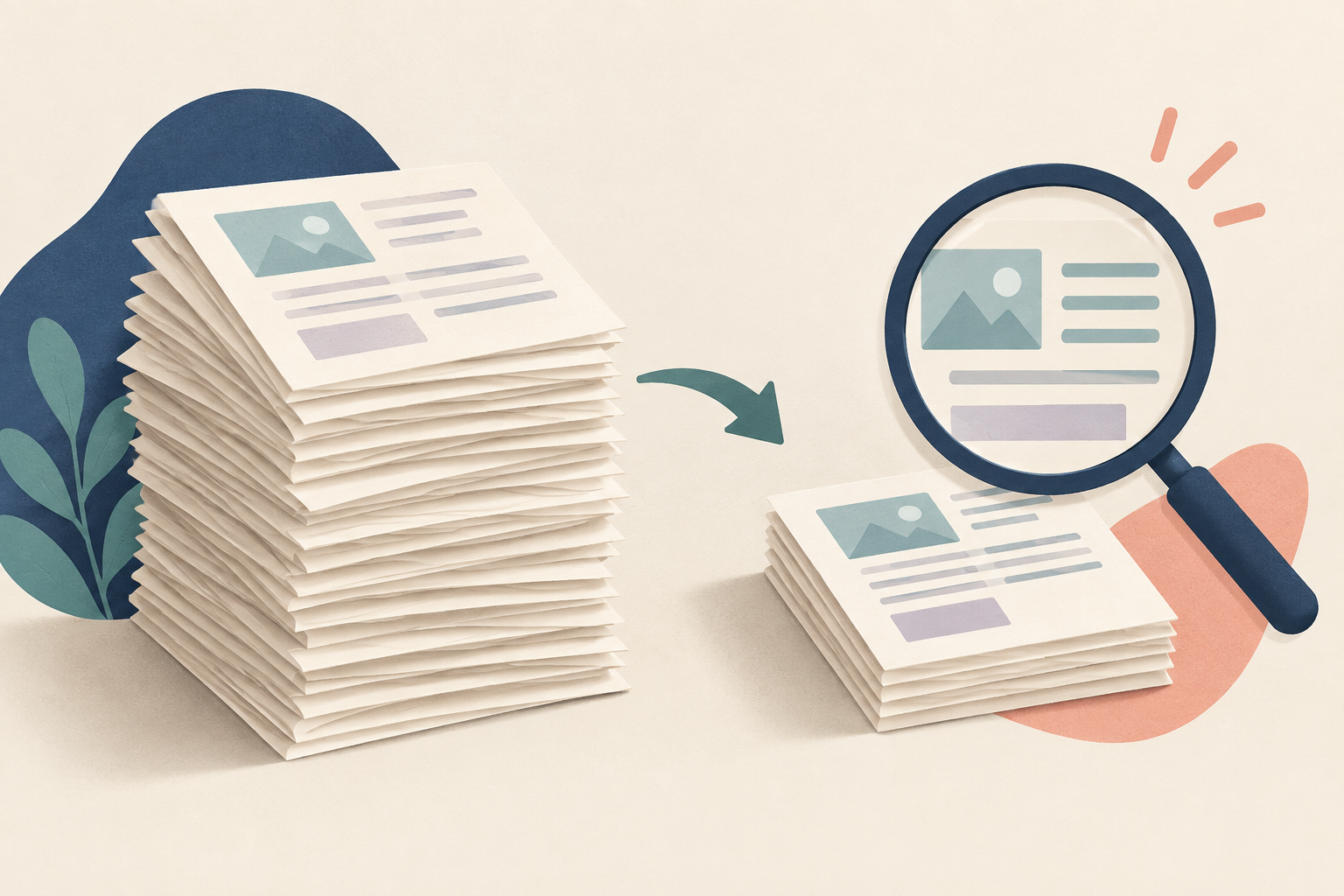
Quick answer: Export a separate copy in Preview using its Reduce File Size filter, then inspect fine text and images. A smaller number is useful only if the recipient can still read the document.
Set a target before changing anything
Write down the upload limit and the current file size. A 12 MB document for a 10 MB form needs a modest reduction; a 50 MB scan for that same form may need a different approach. These are planning examples, not measured compression results. Keep the original in a separate folder so you can retry without repeatedly compressing an already degraded copy.
Create a comparison copy in Preview
- Open the PDF in Preview on your Mac.
- Choose File → Export, then use the Quartz Filter → Reduce File Size option.
- Use a distinct name such as
application-small.pdfand save it separately. - Open both files and compare the same pages at the same zoom level.
Apple documents this export workflow and notes that resulting quality and size can vary. Options may differ by macOS version. Do not treat a preset as a guaranteed result for every PDF.
A five-minute quality check
| Inspect | What would make you reject the copy? |
|---|---|
| Small captions and footnotes | Characters merge or punctuation disappears. |
| Charts and screenshots | Labels cannot be distinguished. |
| Page count and orientation | A missing, cropped or rotated page. |
| Text search | Previously searchable words no longer behave as expected. |
| The receiving form | The actual upload still exceeds its limit. |
If the smaller copy looks worse
Return to the original. If you own the source document, exporting again with more suitable image settings can be more useful than squeezing the finished PDF. Remove only pages the recipient does not require. For a photo portfolio, visual detail may matter more than a small attachment; ask whether a restricted download link is acceptable instead.
A PDF made from scans may contain large page images. A document made directly from text may respond differently. This explains why applying one recipe to two files can produce very different outcomes. Never delete the source just because the export completed.
Before sending
Use a name that identifies the intended delivery version, open the final copy once more, and verify the upload confirmation. If the PDF is digitally signed or used in a formal workflow, ask the issuing application or recipient which modifications are acceptable before re-exporting it.
Apple: reduce a PDF in Preview · Related: Why PDF text cannot be selected · Compare file-size units